Photo editing can be an overwhelming proposition at times. I know that I've opened up
Adobe Photoshop
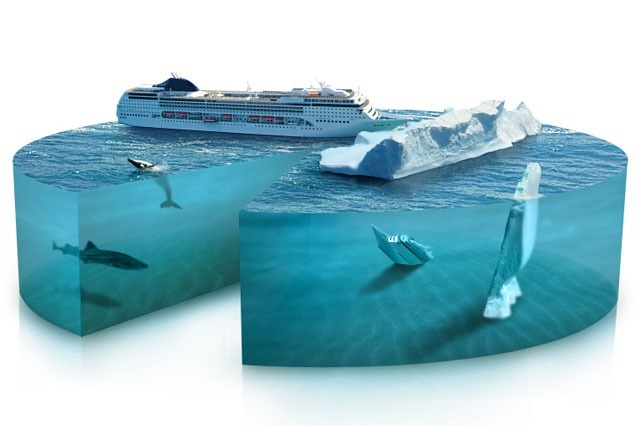 |
| Learn how to make this at Photoshop Tutorials |
and seen the "layers" and "Gaussian blur" and became overwhelmed pretty quickly. It's a powerful tool, but it also has a steep learning curve. If you want custom images that you can't find anywhere else, it will be worth your time to learn how to use Photoshop. Find some good tutorials that will help you swim in the deep end:
Photoshop Tutorials has detailed steps for some very complex and fascinating photo manipulation projects. By the way, if you can't afford Photoshop right now, you can get a free open source photo editor that has nearly all the tools from Photoshop, called
Paint.Net (it's what I use since I don't do a lot of heavy photo manipulation).
For more of the everyday photo editing tasks (cropping, straightening, removing red-eye, adjusting contrast, etc.) You have many of the feature you need right inside
Microsoft PowerPoint
if you're running 2007 or later. You can also use free, online tools such as
Picnik (Google has announced they are closing Picnik as of April 2012) or download
Picasa to use on your computer. Both give you a simple interface for the basic features that you'll use most of the time as well as the option to get a little bit more detailed and controlled when adjusting things (looked for the "Advanced" button). These tools are generally better learned by just experimenting, they've been designed to be simple and easy to us. You won't get the stunning results of Photoshop, but you also don't have to put in the investment of time to learn it.
What do you use for photo editing?
(Note: links to products that cost money will earn me a small commission if you buy anything.)


